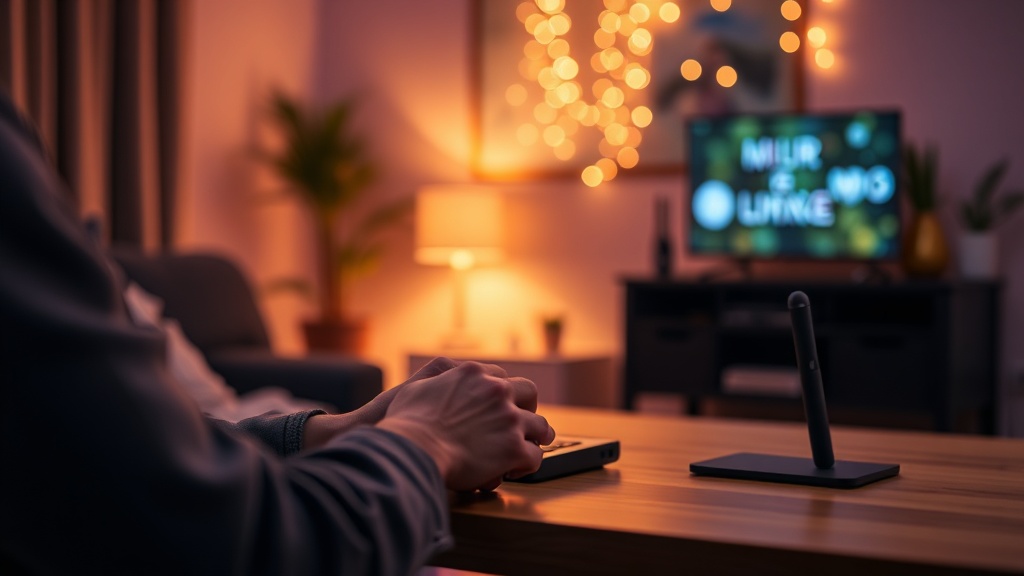
Why You Should Use a Physical Programmable Controller for Smart Home Scenes

Quick Tip
Physical buttons reduce friction and make smart home automation accessible to everyone in the house, not just tech-savvy users.
Stop Relying on Voice Commands and Apps for Your Smart Home
Are you tired of shouting at a smart speaker only for it to respond with "I'm sorry, I didn't catch that," or fumbling through your smartphone to dim the lights for a movie?
The modern smart home ecosystem often suffers from a "software-first" bias that ignores basic human ergonomics. While voice assistants like Amazon Alexa or Google Assistant are impressive, they introduce unnecessary latency and high failure rates due to network jitter and microphone sensitivity issues. A physical, programmable controller provides a deterministic, tactile way to trigger complex scenes without the overhead of cloud-based natural language processing. This post examines why moving your automation triggers from the cloud to a physical interface is a superior engineering choice for reliability and speed.
The Latency and Reliability Problem
When you trigger a "Goodnight" scene via a voice command, the signal typically follows a long, unreliable path: your microphone → local router → manufacturer cloud server → logic engine → local device. Each hop introduces a potential point of failure. If your internet connection hiccups, your automation fails.
A physical controller, such as a Stream Deck, a custom macro pad, or a Zigbee button, operates on a much tighter loop. By using local protocols like Zigbee or Z-Wave, you bypass the public internet entirely. This reduces the "time-to-action" from several seconds down to milliseconds. For those who want even more control, learning how to build a custom mechanical keyboard macro pad allows you to create a highly responsive, localized command center that works even if your external ISP is down.
Tactile Feedback vs. Software Abstraction
The primary issue with app-based control is the lack of "blind usability." You cannot operate a glass screen in a dark room without looking at it. A physical controller offers:
- Muscle Memory: You know exactly where the "Movie Mode" button is located without visual confirmation.
- Tactile Certainty: A physical click provides instant confirmation that a command was sent, eliminating the guesswork inherent in touchscreens.
- Zero-UI Interaction: You can trigger a scene while your hands are full or while you are focused on a task, rather than breaking your workflow to unlock a phone.
Implementation Strategies
To move away from unreliable voice commands, consider these three tiers of hardware:
- The Entry Level: Use IKEA TRÅDFRI wireless buttons or Philips Hue smart switches. These are cheap, battery-powered, and run on the Zigbee protocol, ensuring they stay within your local network.
- The Intermediate Level: Integrate a Lutron Caséta system. These are industry standards for a reason; their reliability in switching scenes is significantly higher than generic Wi-Fi-based smart switches.
- The Enthusiast Level: Build a dedicated control station using a Raspberry Pi or a dedicated macro pad. This allows you to map specific physical keys to complex automation scripts via Home Assistant, giving you a professional-grade interface that is entirely decoupled from commercial cloud ecosystems.