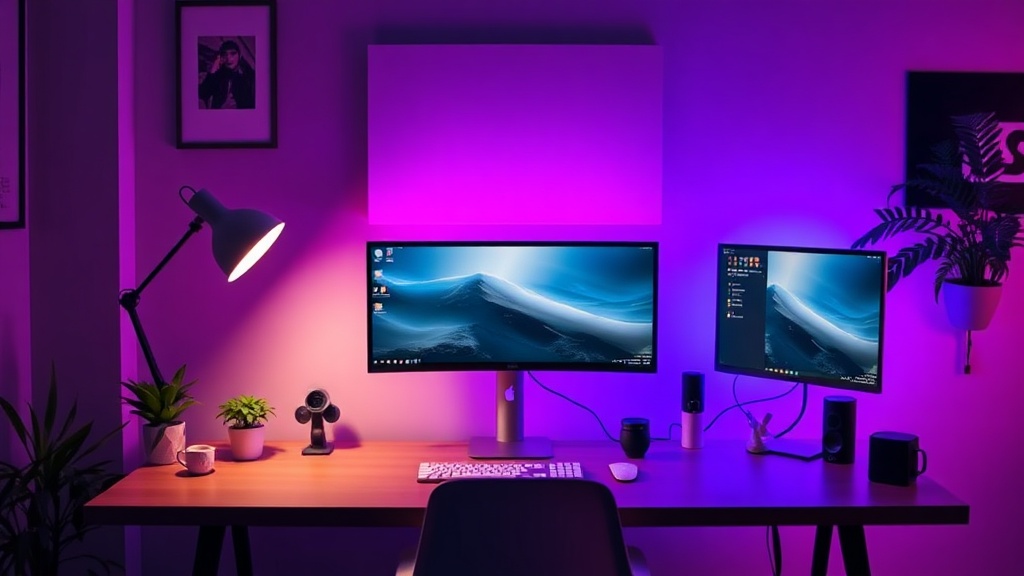
The Rise of Minimalist Desk Setups: Why Less is More in 2024

I spent a decade in hardware QA labs, staring at cross-sections of PCBs and testing the tensile strength of plastic hinges. My job was to find out why things broke. Because of that background, I have a healthy distrust of "aesthetic" trends. When I see a beautifully curated desk setup on Instagram—all white peripherals, single-cable connections, and zero visible wires—my first instinct isn't to admire the design. It is to ask: "Where is the heat dissipation, and how long until that proprietary dongle fails?"
In 2024, we are seeing a massive shift toward the minimalist desk setup. It is no longer just about having a clean surface; it is a reaction against the "maximalist tech bloat" of the last five years. We have moved from the era of RGB-everything and multi-monitor overkill into an era of intentionality. However, as a skeptic, I see a dangerous trap: the tendency to sacrifice functionality and durability for the sake of a "clean" look. If you are building a minimalist setup, you need to know where the engineering compromises are being made.
The Illusion of Simplicity: The Cost of One-Cable Solutions
The hallmark of the 2024 minimalist setup is the single-cable connection—usually via Thunderbolt or USB-C. The dream is to plug one cable into a laptop and have power, dual monitors, and peripherals all connected. On paper, it is elegant. In practice, it is a single point of failure.
When you rely on a single high-bandwidth cable to do everything, you are putting immense thermal and electrical stress on that one connection. I have seen countless docking stations that look sleek but suffer from thermal throttling because they are trying to manage high-wattage power delivery alongside high-speed data transfer in a cramped, unventilated chassis. If you want to avoid the headache of hardware failure, do not just buy the prettiest hub on the market. Look for metal construction that acts as a heat sink.
Furthermore, many users are neglecting the long-term health of their mobile workstations in pursuit of this aesthetic. If you are constantly plugging and unplugging high-wattage USB-C cables to maintain that "clean" look, you are subjecting your device's port to significant mechanical wear. I often recommend checking fast charging's hidden cost to battery health to ensure your power delivery habits aren't degrading your internal components prematurely.
The Essentialist Toolkit: Quality Over Quantity
Minimalism does not mean having nothing; it means having the right things. In my QA days, we used to say that a tool is only as good as its weakest component. In a minimalist setup, your peripherals are your primary interface with your work. If you choose a low-quality, ultra-slim mechanical keyboard just because it fits the aesthetic, you are going to regret it when the switches start failing or the software becomes a nightmare.
To build a setup that actually lasts, focus on these three pillars:
- Ergonomics: A clean desk often leads to people abandoning monitor arms and laptop stands. This is a mistake. A flat desk with a laptop sitting directly on it is a recipe for neck strain. Invest in a high-quality, adjustable arm that clears up desk real estate while keeping your eyes at the correct level.
- Peripherals with Longevity: Instead of buying five cheap gadgets, buy one high-quality item. For example, if you are using a high-end laptop, ensure your accessories are compatible with its specific architecture. If you use an Apple ecosystem, you might want to look into productivity apps for the M3 MacBook Air to maximize the efficiency of your streamlined hardware.
- Cable Management as Engineering: A minimalist setup isn't one without cables; it is one where the cables are managed. Use braided cables that are more durable and less prone to kinking. Avoid the cheap, thin plastic cables that come in the box; they are often the first thing to fail during a stress test.
The Hidden Variables: Environment and Maintenance
One thing the "lifestyle" influencers never talk about is the maintenance required to keep a minimalist setup looking pristine. A white desk and a light-colored keyboard look great in a photo, but they are magnets for dust, skin oils, and debris. In a cluttered setup, a little dust goes unnoticed. In a minimalist setup, a single stray hair or a coffee ring becomes a glaring eyesore.
This brings me to the intersection of hardware and home care. If you are investing heavily in a high-end workspace, you need a regimen to maintain it. I highly recommend following a structured approach like the one found in my spring cleaning essentials guide to ensure your tech environment stays as functional as it is beautiful. Dust buildup isn't just an aesthetic issue; it is a thermal issue. A dusty keyboard or a laptop with blocked vents will underperform, regardless of how much you paid for it.
Additionally, be aware of your environment. If you live in an area with high pollen counts or seasonal allergens, a minimalist desk with high-airflow fans or open-vented peripherals can actually become a collection point for allergens. For those struggling with air quality in their workspace, check out my allergy survival guide to understand how to manage your immediate environment.
The "Smart" Trap: Connectivity vs. Complexity
As we move further into 2024, the "Smart Desk" is becoming a reality. We see smart lighting, smart coasters, and even smart desk mats. While these can add to the minimalist aesthetic through automation, they often add unnecessary layers of complexity and potential failure points.
"The most sophisticated piece of technology is often the one that does exactly one thing, and does it perfectly, without needing a firmware update to function."
Before you add a smart light strip or a connected ambient display to your desk, ask yourself: Does this solve a problem, or am I just adding another device to my Wi-Fi network? Every smart device is a device that requires a connection, a power source, and an app. If you want a truly seamless experience, focus on mastering your smart home connectivity rather than just buying disconnected "smart" gadgets that clutter your digital life.
The Verdict: Is Minimalism Worth It?
From a hardware engineering perspective, the minimalist desk setup is a double-edged sword. On one hand, it reduces the "noise" of your workspace, which can lead to better focus and higher productivity. On the other hand, it often relies on highly integrated, non-modular hardware that is difficult to repair or upgrade when a single component fails.
My Advice for 2024:
- Prioritize Modular Over Integrated: If you can use a high-quality external peripheral instead of an integrated one, do it. It makes your setup more resilient to single-point failures.
- Don't Skimp on Power: If you are using a single-cable setup, ensure your dock or hub has a robust power delivery rating and a metal chassis for heat dissipation.
- Test Your Gear: Before you commit to a "minimalist" kit, check the reviews for long-term durability. Don't trust the marketing photos; look for the technical specifications.
Minimalism is a tool for productivity, not a replacement for quality. If you build a setup based on the "look" rather than the "specs," you will find yourself replacing broken cables and overheating hubs within six months. Build for the long haul, keep your workspace clean, and don't let the aesthetic fool you into ignoring the engineering reality.