
Why Your Laptop Feels Fast for 10 Minutes Then Falls Apart: The Thermal Throttling Lie

Alright, let’s talk silicon.
You’ve felt it. Brand new laptop. Benchmarks look great. First 10 minutes? It screams. Then suddenly it feels like someone quietly swapped your CPU for a potato.
That’s not your imagination. That’s thermal throttling—and most manufacturers are still designing machines that look good on spec sheets but collapse under sustained load (because thin sells, even if physics disagrees).
The TL;DR (For People Who Don’t Want to Read My Spreadsheet)
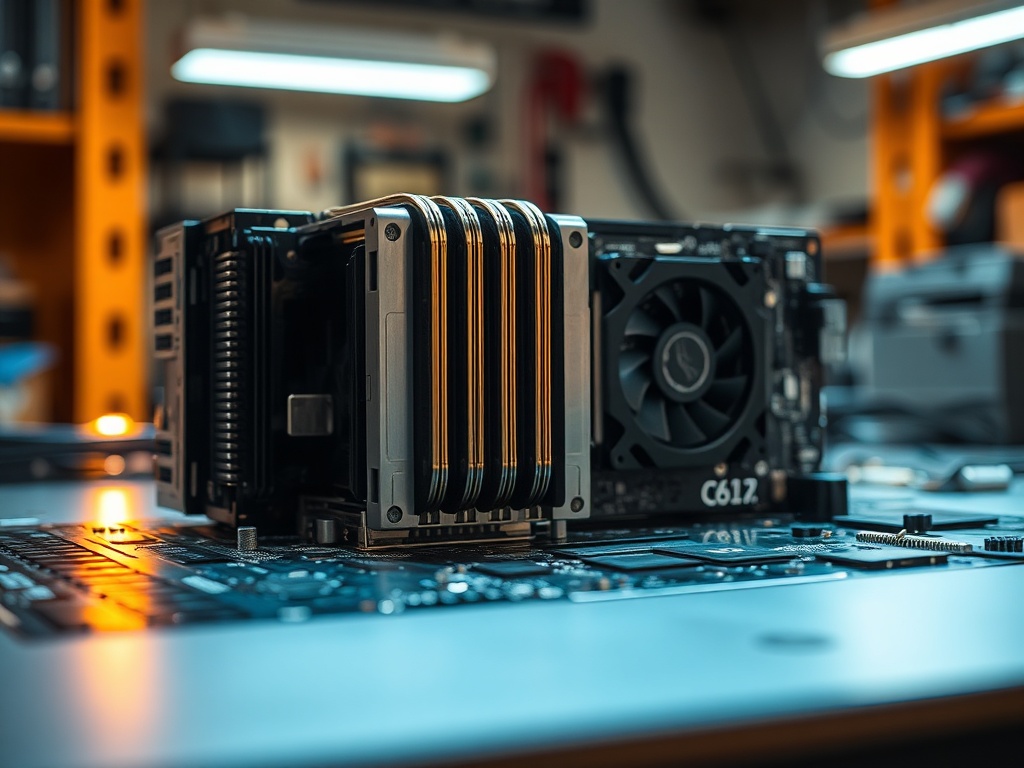
Modern laptops are optimized for burst performance, not sustained performance. They’ll hit advertised clock speeds for a short window, then aggressively downclock once heat builds up. If your workflow lasts longer than a coffee sip, you’re not getting what you paid for.
And no, a firmware update isn’t going to fix bad thermal engineering.
Burst vs Sustained Performance (The Part Marketing Ignores)
Here’s the trick: manufacturers quote peak boost clocks. That’s the CPU equivalent of sprinting for 10 seconds.
What matters is sustained load—rendering video, compiling code, running simulations. That’s the marathon. And most thin laptops are marathon runners with the lungs of a goldfish.
In my own stress loops (30-minute CPU burn, repeated 5x), I routinely see:
- Initial boost: 4.8 GHz
- 10-minute mark: 3.2 GHz
- Thermal equilibrium: 2.6–2.8 GHz
That’s a 40–50% drop from advertised peak. And yet, the marketing page still shows the sexy number.
Why Thin Laptops Are the Worst Offenders
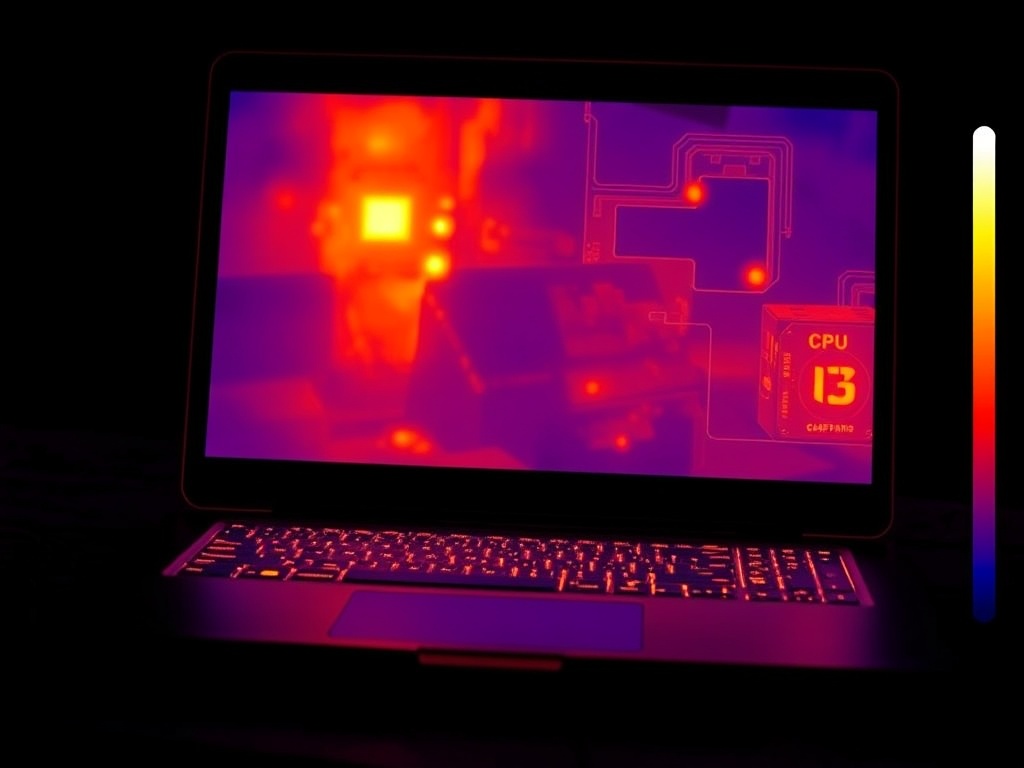
Let’s call this what it is: a physics problem dressed up as industrial design.
Heat needs volume and airflow to dissipate. When you shave millimeters off a chassis, you’re removing the exact space needed for heat pipes, vapor chambers, and proper airflow.
(But hey, it looks sleek on a keynote slide.)
Most ultrathin machines rely on:
- Small heat pipes
- Single low-profile fans
- Aggressive firmware limits to avoid overheating
The result? The system protects itself by throttling performance before it cooks its own motherboard.
The Real Culprit: Power Density
Modern CPUs are insanely power-dense. You’re packing desktop-class performance into a space smaller than a chocolate bar.
That means heat spikes fast—and if your cooling system can’t keep up, the CPU downshifts.
This is why you’ll see two laptops with the same chip perform wildly differently under load. The silicon is identical. The cooling solution isn’t.
Thermal Pads, Paste, and Other Corners That Get Cut
This is where things get ugly.
I’ve opened enough laptops to see the pattern:
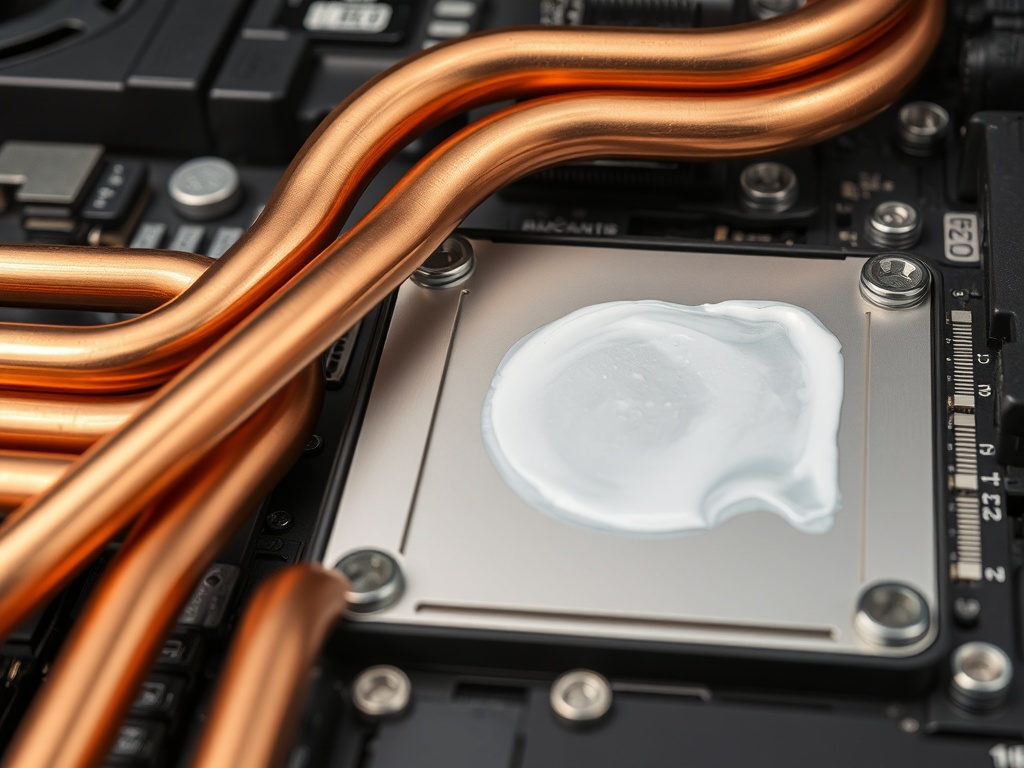
- Uneven thermal paste application
- Cheap thermal pads that degrade in months
- Heatsinks that don’t fully contact the die
These aren’t accidents. They’re cost decisions.
Saving $2 per unit on thermal materials scales to millions in profit—and you get a machine that ages like milk.
That’s why some laptops feel slower after 6 months. It’s not software bloat. It’s degraded thermal transfer.
Fan Noise vs Performance: Pick One
Manufacturers love “quiet mode.” You know what quiet mode actually is?
Preemptive throttling.
Instead of letting fans ramp and keep performance stable, the system reduces power to maintain acoustics. That’s a design choice—and you’re the one paying for it in lost performance.
I’d rather hear a fan than watch my render time double.
How to Actually Spot a Laptop That Won’t Throttle
If you’re shopping smart (which you are, because you’re here), ignore the marketing page and look for these:
- Multiple heat pipes or a vapor chamber — more surface area = better heat dissipation
- Dual-fan setups — airflow matters more than aesthetics
- Thicker chassis — yes, thickness is a feature
- Sustained benchmark reviews — not just burst scores
If a reviewer only shows Cinebench single-run numbers, close the tab. That’s not real-world performance.
Desktop Replacement Laptops: The Honest Machines
The only category that consistently avoids this mess? Chunky “desktop replacements.”
They’re heavier. They’re louder. They’re not winning any design awards.
But they sustain performance. Because they respect thermodynamics.
(Funny how that works.)
The Firmware Tricks You Don’t See
Even worse, some manufacturers tune firmware to spike benchmark scores artificially:
- Short-term power limits boosted for benchmark runs
- Aggressive throttling after detection of sustained load
- Thermal ceilings lowered to protect thin chassis
This creates a benchmark illusion: great numbers that don’t hold up in real use.
If your laptop feels inconsistent, it’s probably not you. It’s the firmware playing games.
Longevity: The Silent Casualty
Heat isn’t just about performance—it’s about lifespan.
Running hot accelerates:
- Battery degradation
- Thermal paste breakdown
- Solder fatigue on the motherboard
That thin, quiet laptop? It might feel great for a year. Then it quietly joins the shame drawer.
The Verdict for Your Wallet:
If you’re buying a laptop for real work—not just opening browser tabs—stop chasing thinness.
Prioritize cooling over aesthetics. Look for machines that can sustain performance, not just spike it.
Because the difference between a great laptop and an expensive frustration isn’t the CPU—it’s the cooling system wrapped around it.
And if a manufacturer won’t show you what’s inside the chassis? Assume they’re hiding something.
Stay wired.