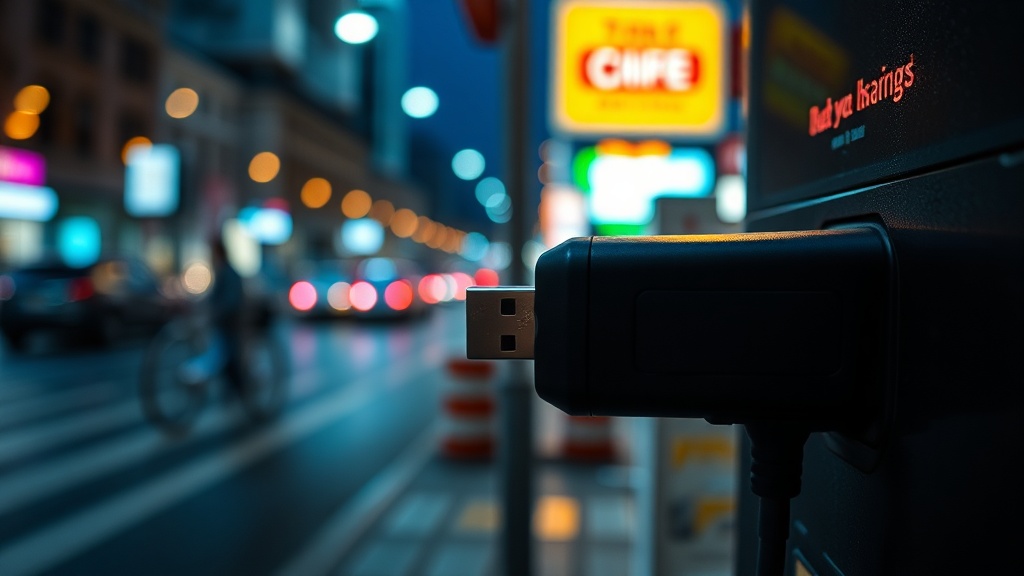
Why You Should Use a USB Data Blocker for Public Charging

Quick Tip
Always use a USB data blocker or your own power brick to prevent malicious hardware from accessing your device's data.
Protect Your Data from Juice Jacking
This post explains how a USB data blocker works and why it is a critical tool for preventing unauthorized data access when using public charging stations. You will learn how to identify "juice jacking" risks and how to use hardware to secure your mobile devices.
When you plug your smartphone or tablet into a public USB port—such as those found in airports like Heathrow or at major train stations—you aren't just connecting to a power source. You are establishing a data connection. A malicious actor can modify these ports to execute a "juice jacking" attack, where malware is injected into your device or your files are exfiltrated via the USB protocol. While modern mobile operating systems have improved security prompts, relying solely on software is a mistake; hardware-level protection is the only way to ensure total isolation.
How a USB Data Blocker Works
A USB data blocker, often called a "USB condom," is a small adapter that sits between your charging cable and the public port. From an engineering standpoint, the device is incredibly simple but effective. It physically disconnects the two data pins (D+ and D-) inside the USB-A or USB-C connector, leaving only the power pins (VCC and Ground) intact.
- Physical Isolation: By removing the electrical path for data, the device makes it physically impossible for a computer to "handshake" with your phone.
- Zero Latency: Because there is no complex circuitry involved, there is no impact on charging speed or device performance.
- Universal Compatibility: Most blockers work with standard USB-A to USB-C or Lightning cables, making them a low-cost addition to any travel kit.
Practical Implementation and Best Practices
To maintain a secure workflow, do not rely on the "Trust this Computer" pop-up on your iPhone or Android device. Hackers can bypass these prompts through various exploits. Instead, integrate a hardware blocker into your routine. If you are frequently working in public spaces or using hardware peripherals, you should also consider using a physical USB kill switch for your privacy to manage your connections more strictly.
For the highest level of security, I recommend using a dedicated wall plug (AC adapter) with your own power cable rather than a built-in USB port. If a wall outlet is unavailable, a high-quality data blocker from a reputable brand like Satechi or Mospace is your best line of defense. In my testing, these devices show no significant voltage drop, meaning your device will charge at the expected rate while remaining completely invisible to the host machine.