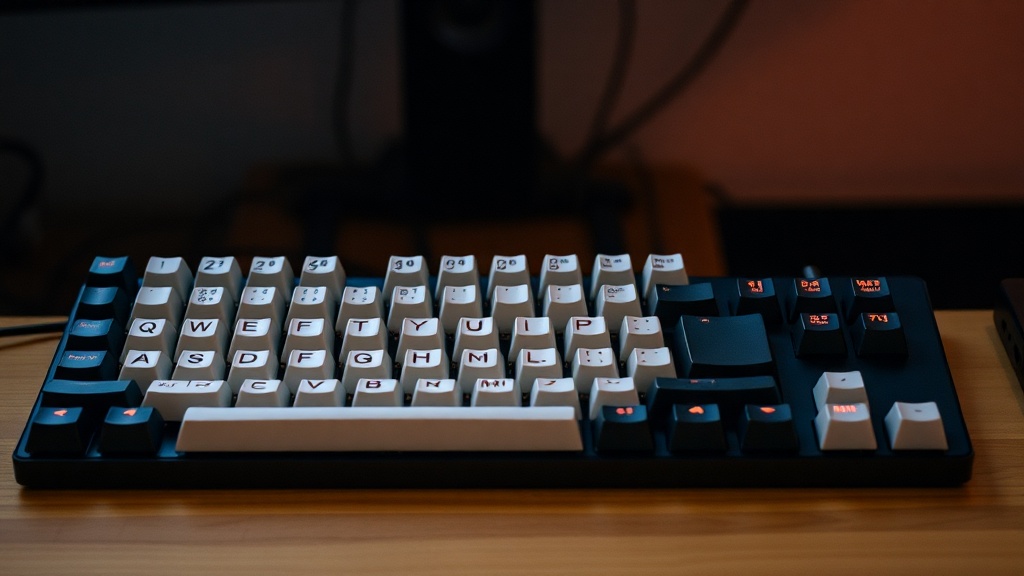
Stop Paying for Overpriced Mechanical Keyboards with Cheap Switches

You unbox a $300 mechanical keyboard. The aluminum case feels heavy, the RGB lighting looks spectacular, and the marketing promised a "premium typing experience." But three weeks later, a single key starts feeling mushy. A slight wobble makes the spacebar sound like a tin can. You didn't pay for a premium experience; you paid for a high-end aesthetic wrapped around mediocre components. Most enthusiast brands focus on the shell and the software, while the actual mechanical switches—the parts that actually matter—are often the cheapest part of the build.
As someone who spent years looking at bill-of-materials (BOM) spreadsheets, I've seen how companies cut corners. They spend the budget on CNC-milled aluminum cases to justify the price tag, but then they slap in budget-grade switches that lose their spring tension within months. This isn't just a minor annoyance; it's a fundamental engineering failure disguised as luxury. In this post, I'm breaking down why the "premium" label is often a lie and how you can spot the engineering shortcuts before you hit the checkout button.
Is a High Price Tag a Guarantee of Better Build Quality?
The short answer is no. In the enthusiast keyboard market, price often correlates with the quality of the case material or the complexity of the PCB, but not necessarily the longevity of the switches. A company can build a case out of a solid block of aerospace-grade aluminum, yet still use switches with low-quality lubricants or inconsistent spring weights. When I test these units, I don't look at the flashy light show; I look at the keystroke consistency. If the actuation force fluctuates by more than a few grams across the board, the engineering is sloppy.
I've seen plenty of "luxury" boards where the stabilizers—the parts that keep your larger keys from wobbling—are nothing more than cheap plastic pieces with minimal lubrication. A high price tag often covers the cost of the brand name and the fancy packaging rather than the internal components. If you want to see how much a component actually costs, you can check out technical teardowns on sites like iFixit, which often reveal the actual hardware inside consumer electronics.
| Component Type | Budget Version (The Reality) | Premium Version (The Standard) |
|---|---|---|
| Switch Housing | Standard ABS Plastic | High-Grade POM or Nylon |
| Spring Tension | Inconsistent/Cheap Metal | Uniform, High-Quality Alloy |
| Stabilizers | Unlubricated/Noisy | Pre-lubricated/Precision Tuned |
| Keycaps | Thin ABS (Shiny after weeks) | Thick PBT (Matte and Durable) |
A common trick is to use thin ABS plastic for the keycaps. These feel smooth at first, but after a few weeks of heavy use, the oils from your skin cause them to become shiny and greasy. A true high-end board should use double-shot PBT keycaps, which are much more resistant to wear and tear. It's a small detail, but it's one that tells you exactly how much the manufacturer cares about long-term durability versus short-term sales numbers.
How Can You Tell if the Switches are Low Quality?
The most obvious sign of a cheap switch is the sound—specifically, the lack of a clean, consistent acoustic profile. Cheap switches often feature inconsistent lubrication, leading to a "scratchy" feel when you press down. This isn't just a feeling; it's a physical result of poor manufacturing tolerances. If the stem of the switch isn't perfectly centered, it will rub against the housing, causing that irritating friction.
Another red flag is the "bounce." In higher-end switches, the return speed is snappy and predictable. In cheap versions, the spring might be too weak or poorly tempered, leading to a sluggish feeling that can actually impact your typing speed and accuracy. I always recommend looking for brands that specify the exact switch model and manufacturer. If they just say "Mechanical Blue Switches" without a brand name like Cherry, Gateron, or Kailh, they are likely hiding a generic, low-quality component.
If you're looking for technical benchmarks on how these components perform, the RTINGS testing methodology for peripherals is a great resource for seeing how hardware actually performs under stress. Don't trust the marketing jargon; trust the data. If a brand won't tell you exactly what is inside the switch, assume it's the cheapest possible option.
Why Does My Keyboard Feel Worse After Only Two Months?
This is a common complaint, and it's rarely a software issue. It's almost always a physical degradation of the components. When you use a keyboard with cheap switches, the lubrication (if there even was any) can migrate or dry out. Furthermore, lower-tier switches often use inferior spring metals that can lose their tension quickly. This leads to a "mushy" feeling where the key doesn't snap back as quickly as it did on day one.
The "shine" on your keycaps is another part of this degradation. Cheap ABS plastic wears down through friction, becoming a smooth, reflective surface that feels gross to the touch. This isn't a "break-in" period; it's the physical wearing away of the material. If you want a keyboard that lasts, look for PBT keycaps and switches with high-quality housings. It might cost more upfront, but it prevents the "luxury" feeling from evaporating after a single season of use.
- Check the Spring Weight: Look for consistency in actuation force.
- Examine the Keycaps: Demand PBT if you want to avoid the "greasy" feel.
- Look for Brand Names: Avoid generic "mechanical" labels.
- Test the Stabilizers: A heavy spacebar is a sign of poor engineering.
Stop falling for the aesthetic trap. A beautiful case is just a pretty box if the tools inside are poorly made. Before you spend hundreds of dollars, look past the RGB and the aluminum frame. Look at the switch manufacturer, the keycap material, and the actual technical specifications. That is the only way to ensure you're actually buying a quality piece of hardware and not just an expensive piece of plastic.